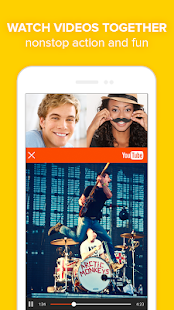
free mod Rounds: Free Video Call and Text free unlock



Rounds: Free Video Call and Text


Program available in English Program license Free - System Android


Category : Social
Program  : Free
Version  : 8.1.0
Size     : 16 MB
Works under : Android
Package name : com.rounds.android
Votes : / Ratting :
Program by : Rounds Entertainment Ltd.
Content rating - Everyone

Watch Rounds: Free Video Call and Text Video Review 

Review - Rounds: Free Video Call and Text 

Rounds: Free Video Call and Text is an Android browser that is a limited version of the regular UC Browser. It has many of the same features that made the UC Browser popular. It is a great alternative browser if you want something simpler than the traditional browsers for Android.  Rounds: Free Video Call and Text has many great features. One feature is that it is a very fast browser for downloading files or watching videos. Another feature is that video playback can be controlled by gestures. Also, Rounds: Free Video Call and Text has an incognito mode to secure your privacy. The browser additionally has a Night Mode which makes it easier to read text when it is dark.  The browser is very well designed. The user-interface is very stylish and clean, letting you focus on what you are doing. The tab management is simpler and easier to use than it is for most Android browsers. A quick-search feature allows you to search right from the navigation bar. In addition, navigation cards allow you to get updates about news and events based on your location.  Pros:  Fast download speeds Intuitive user-interface Small and fast browser Many useful features  Cons:  Not as many features as in standard browsers Night Mode may not work well depending on system brightness settings Built-in download manager doesn’t always work as expected

Screenshots Rounds: Free Video Call and Text 



What Is New 

(function($) { $(function() { // Find all YouTube videos var $allVideos = $("#tabs-4 .vcontainer iframe"), // The element that is fluid width $fluidEl = $("#tabs-4 .vcontainer"); // Figure out and save aspect ratio for each video $allVideos.each(function() { $(this) .data('aspectRatio', this.height / this.width) // and remove the hard coded width/height .removeAttr('height') .removeAttr('width'); }); // When the window is resized $(window).resize(function() { var newWidth = $fluidEl.width(); // Resize all videos according to their own aspect ratio $allVideos.each(function() { var $el = $(this); $el .width(newWidth) .height(newWidth * $el.data('aspectRatio')); }); // Kick off one resize to fix all videos on page load }).resize(); }); })(jQuery);

Free APK Fake IPhone 5S launcher Original


Fake IPhone 5S launcher


Program available in English Program license Free - System Android


Category : Launchers
Program  : Free
Version  : 1.2
Size     : 2 MB
Works under : Android
Package name : com.gravitylabs.fakeiphone5s
Votes : 7 Votes / Ratting : 2.1
Program by : Gravity Labs
Content rating - Everyone

Watch Fake IPhone 5S launcher Video Review 

Review - Fake IPhone 5S launcher 

Fake IPhone 5S launcher is an Android browser that is a limited version of the regular UC Browser. It has many of the same features that made the UC Browser popular. It is a great alternative browser if you want something simpler than the traditional browsers for Android.  Fake IPhone 5S launcher has many great features. One feature is that it is a very fast browser for downloading files or watching videos. Another feature is that video playback can be controlled by gestures. Also, Fake IPhone 5S launcher has an incognito mode to secure your privacy. The browser additionally has a Night Mode which makes it easier to read text when it is dark.  The browser is very well designed. The user-interface is very stylish and clean, letting you focus on what you are doing. The tab management is simpler and easier to use than it is for most Android browsers. A quick-search feature allows you to search right from the navigation bar. In addition, navigation cards allow you to get updates about news and events based on your location.  Pros:  Fast download speeds Intuitive user-interface Small and fast browser Many useful features  Cons:  Not as many features as in standard browsers Night Mode may not work well depending on system brightness settings Built-in download manager doesn’t always work as expected

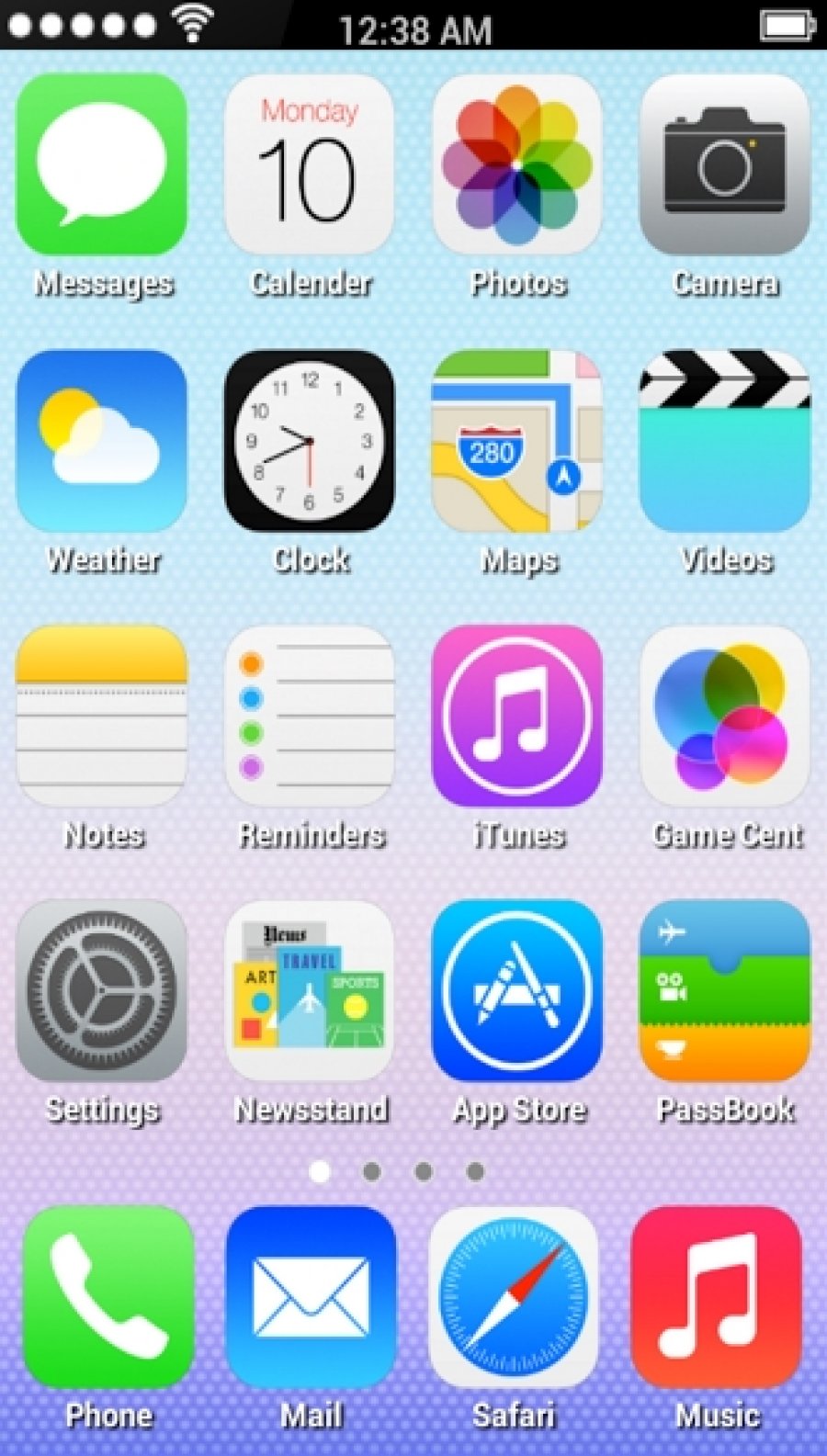
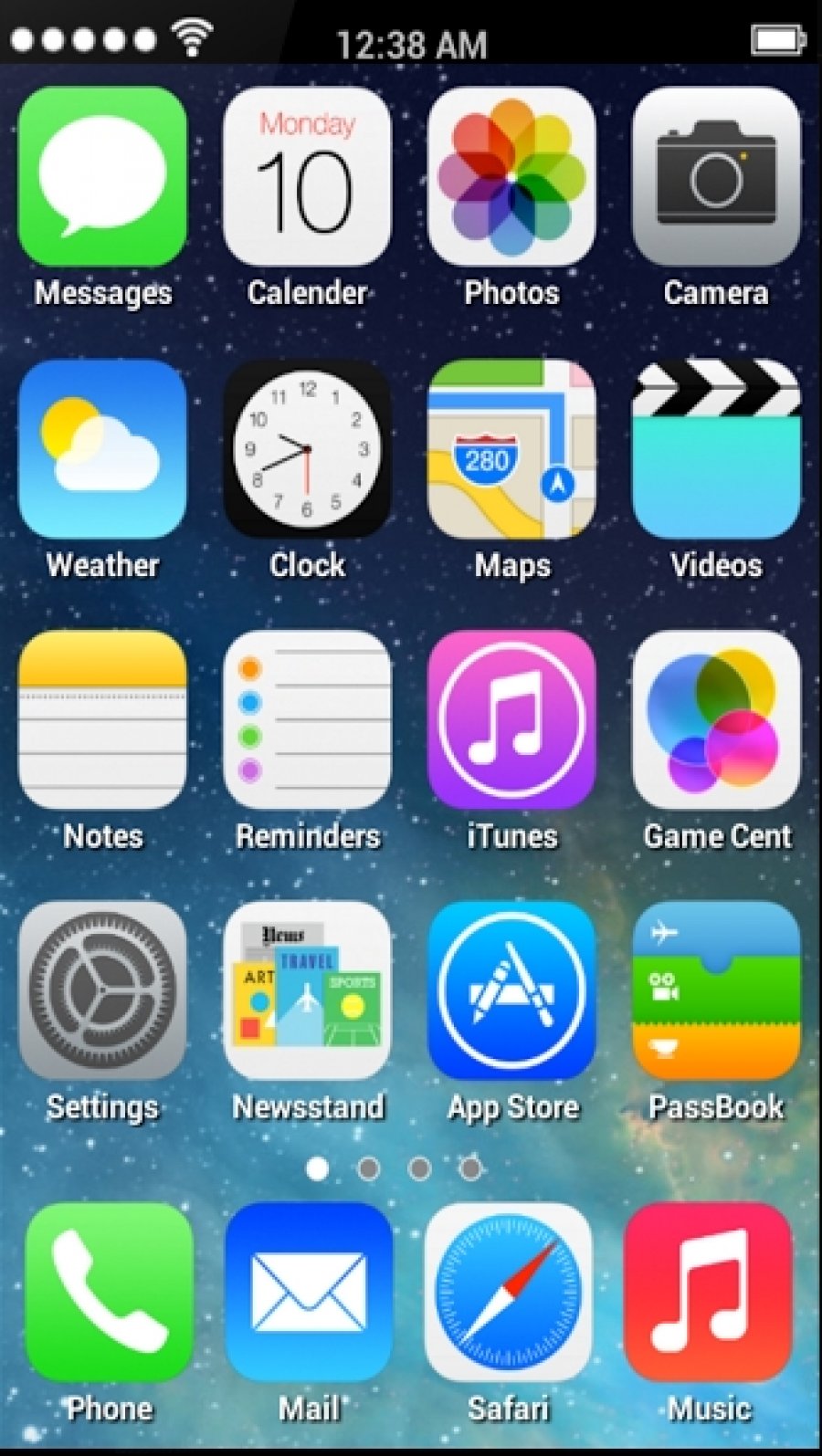
Screenshots Fake IPhone 5S launcher 


What Is New 


Free APK AVD Android Video Downloader Original


AVD Android Video Downloader


Program available in English Program license Free - System Android


Category : Video and Audio Downloaders
Program  : Free
Version  : 5.0.3
Size     : 28 MB
Works under : Android
Package name : com.myboyfriendisageek.videocatcher.demo
Votes : 84 Votes / Ratting : 4
Program by : Spring Labs 499 7th Avenue 19th Floor South Tower New York, NY 10018
Content rating - Everyone

Watch AVD Android Video Downloader Video Review 

Review - AVD Android Video Downloader 

AVD Android Video Downloader is an Android browser that is a limited version of the regular UC Browser. It has many of the same features that made the UC Browser popular. It is a great alternative browser if you want something simpler than the traditional browsers for Android.  AVD Android Video Downloader has many great features. One feature is that it is a very fast browser for downloading files or watching videos. Another feature is that video playback can be controlled by gestures. Also, AVD Android Video Downloader has an incognito mode to secure your privacy. The browser additionally has a Night Mode which makes it easier to read text when it is dark.  The browser is very well designed. The user-interface is very stylish and clean, letting you focus on what you are doing. The tab management is simpler and easier to use than it is for most Android browsers. A quick-search feature allows you to search right from the navigation bar. In addition, navigation cards allow you to get updates about news and events based on your location.  Pros:  Fast download speeds Intuitive user-interface Small and fast browser Many useful features  Cons:  Not as many features as in standard browsers Night Mode may not work well depending on system brightness settings Built-in download manager doesn’t always work as expected

Screenshots AVD Android Video Downloader 


What Is New 

(function($) { $(function() { // Find all YouTube videos var $allVideos = $("#tabs-4 .vcontainer iframe"), // The element that is fluid width $fluidEl = $("#tabs-4 .vcontainer"); // Figure out and save aspect ratio for each video $allVideos.each(function() { $(this) .data('aspectRatio', this.height / this.width) // and remove the hard coded width/height .removeAttr('height') .removeAttr('width'); }); // When the window is resized $(window).resize(function() { var newWidth = $fluidEl.width(); // Resize all videos according to their own aspect ratio $allVideos.each(function() { var $el = $(this); $el .width(newWidth) .height(newWidth * $el.data('aspectRatio')); }); // Kick off one resize to fix all videos on page load }).resize(); }); })(jQuery);

Mod APK Parallel Space Original


Parallel Space


Program available in English Program license Free - System Android


Category : General
Program  : Free
Version  : 4.0.8895
Size     : 9 MB
Works under : Android
Package name : com.lbe.parallel.intl
Votes : 129 Votes / Ratting : 3.8
Program by : LBE Tech 12/F., San Toi Building,139 Connaught Road Central,Hong Kong
Content rating - Everyone

Watch Parallel Space Video Review 

Review - Parallel Space 

Parallel Space is an Android browser that is a limited version of the regular UC Browser. It has many of the same features that made the UC Browser popular. It is a great alternative browser if you want something simpler than the traditional browsers for Android.  Parallel Space has many great features. One feature is that it is a very fast browser for downloading files or watching videos. Another feature is that video playback can be controlled by gestures. Also, Parallel Space has an incognito mode to secure your privacy. The browser additionally has a Night Mode which makes it easier to read text when it is dark.  The browser is very well designed. The user-interface is very stylish and clean, letting you focus on what you are doing. The tab management is simpler and easier to use than it is for most Android browsers. A quick-search feature allows you to search right from the navigation bar. In addition, navigation cards allow you to get updates about news and events based on your location.  Pros:  Fast download speeds Intuitive user-interface Small and fast browser Many useful features  Cons:  Not as many features as in standard browsers Night Mode may not work well depending on system brightness settings Built-in download manager doesn’t always work as expected

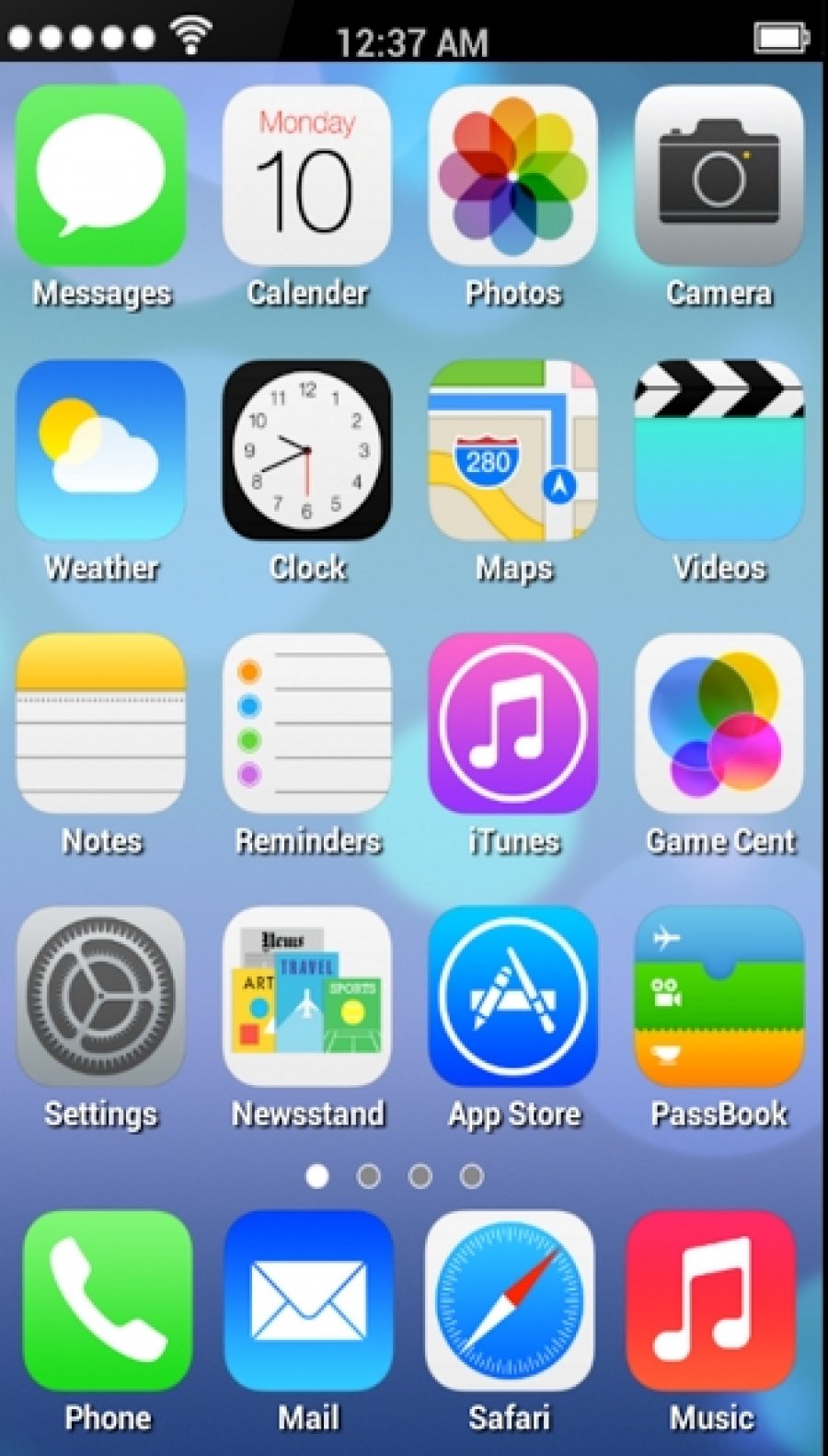
Screenshots Parallel Space 


What Is New 

1. Fully compatible with Android 10 2.Optimized the overall performance of Parallel Space. 3. Fixed some known bugs.


Download Flipagram Original


Flipagram


Program available in Windows Program license Free - System Android


Category : Other Tools
Program  : Free
Version  : 10.5.0
Size     : 56 MB
Works under : Android
Package name : Teen
Votes : 89 Votes / Ratting : 4.3
Program by : com.cheerfulinc.flipagram
Content rating - English

Watch Flipagram Video Review 

Review - Flipagram 

Flipagram is an Android browser that is a limited version of the regular UC Browser. It has many of the same features that made the UC Browser popular. It is a great alternative browser if you want something simpler than the traditional browsers for Android.  Flipagram has many great features. One feature is that it is a very fast browser for downloading files or watching videos. Another feature is that video playback can be controlled by gestures. Also, Flipagram has an incognito mode to secure your privacy. The browser additionally has a Night Mode which makes it easier to read text when it is dark.  The browser is very well designed. The user-interface is very stylish and clean, letting you focus on what you are doing. The tab management is simpler and easier to use than it is for most Android browsers. A quick-search feature allows you to search right from the navigation bar. In addition, navigation cards allow you to get updates about news and events based on your location.  Pros:  Fast download speeds Intuitive user-interface Small and fast browser Many useful features  Cons:  Not as many features as in standard browsers Night Mode may not work well depending on system brightness settings Built-in download manager doesn’t always work as expected

Screenshots Flipagram 


What Is New 

* New: Get into the holiday spirit with Christmas stickers and soundtracks! * Improved: sign up or log in via email. * Bug fixes and improvements. Your feedback helps us improve Vigo Video. If you have any questions, please contact us at MeSettingsFeedback.


Free APK Real Steel World Robot Boxing full version


Real Steel World Robot Boxing


Program available in English Program license Free - System Android


Category : Action/Adventure
Program  : Free
Version  : 45.45.116
Size     : 44 MB
Works under : Android
Package name : com.jumpgames.rswrb
Votes : 99 Votes / Ratting : 4.5
Program by : Reliance Big Entertainment (UK) Private Limited Reliance Big Entertainment (UK) Private Limited Codemasters Campus, Stoneythorpe, Southam, Warwickshire CV47 2DL
Content rating - Teen

Watch Real Steel World Robot Boxing Video Review 

Review - Real Steel World Robot Boxing 

Real Steel World Robot Boxing is an Android browser that is a limited version of the regular UC Browser. It has many of the same features that made the UC Browser popular. It is a great alternative browser if you want something simpler than the traditional browsers for Android.  Real Steel World Robot Boxing has many great features. One feature is that it is a very fast browser for downloading files or watching videos. Another feature is that video playback can be controlled by gestures. Also, Real Steel World Robot Boxing has an incognito mode to secure your privacy. The browser additionally has a Night Mode which makes it easier to read text when it is dark.  The browser is very well designed. The user-interface is very stylish and clean, letting you focus on what you are doing. The tab management is simpler and easier to use than it is for most Android browsers. A quick-search feature allows you to search right from the navigation bar. In addition, navigation cards allow you to get updates about news and events based on your location.  Pros:  Fast download speeds Intuitive user-interface Small and fast browser Many useful features  Cons:  Not as many features as in standard browsers Night Mode may not work well depending on system brightness settings Built-in download manager doesn’t always work as expected

Screenshots Real Steel World Robot Boxing 


What Is New 

HAPPY NEW YEAR! NEW ROBOT This new year, claim the Flying Machine ZeroG. Blast your opponent with flaming rockets. AWESOME OFFERS Discover awesome new Deals and Offers as you advance in the game. EPIC EVENTS AND REWARDS Participate in exciting Events to win amazing Rewards. UPGRADE ROBOTS Fight and earn rewards. Get powerful Robots and upgrade them. ULTIMATE GAMEPLAY Adjustments made for smoother and effortless gameplay.


free mod Splive Player Original


Splive Player


Program available in app.main.player Program license Free - System Android


Category : Video
Program  : Free
Version  : 5.0.5
Size     : 40 MB
Works under : Android
Package name : Splive
Votes : 7 Votes / Ratting : 2.3
Program by : Splive
Content rating - Splive

Watch Splive Player Video Review 

Review - Splive Player 

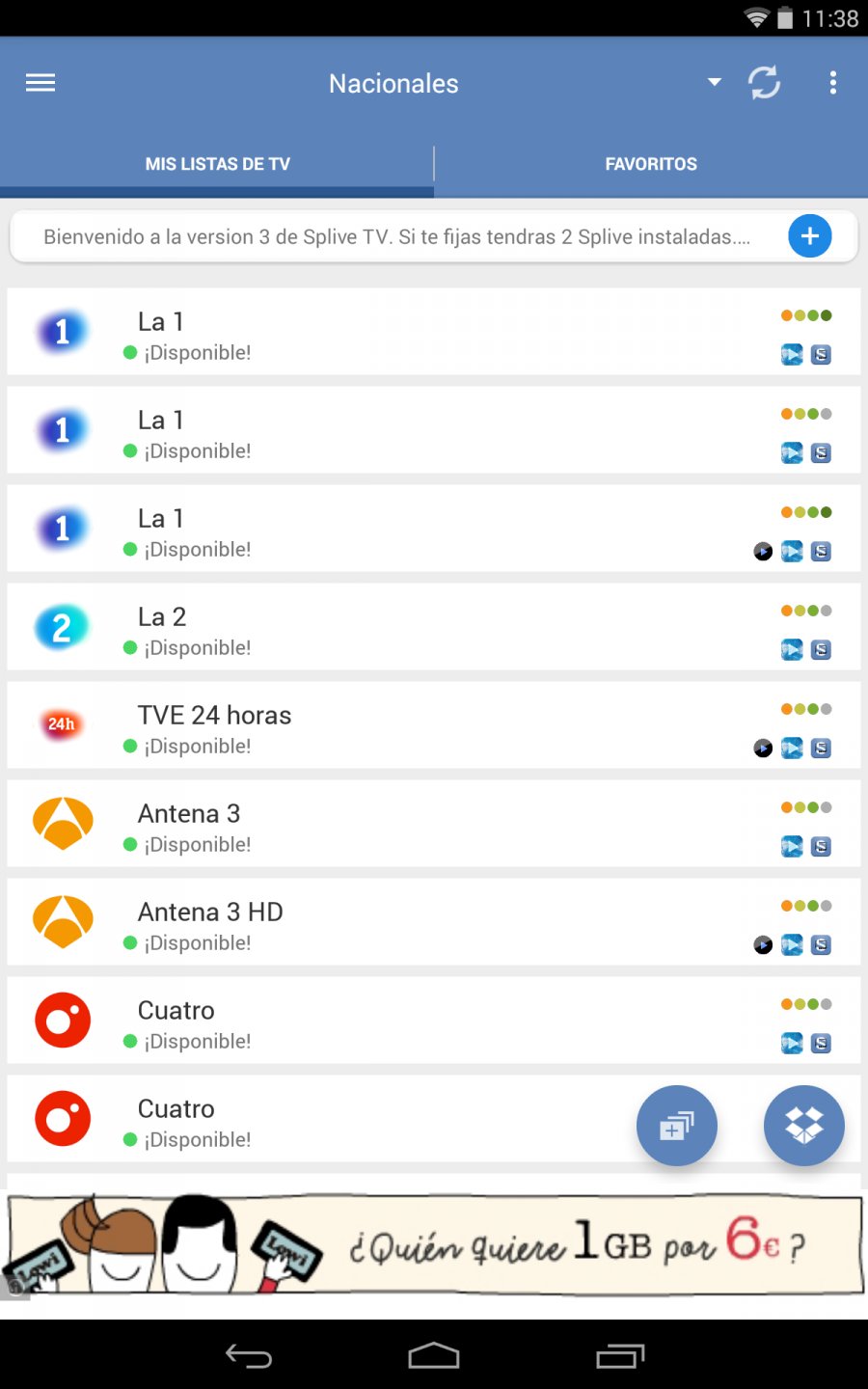
Splive Player is an Android browser that is a limited version of the regular UC Browser. It has many of the same features that made the UC Browser popular. It is a great alternative browser if you want something simpler than the traditional browsers for Android.  Splive Player has many great features. One feature is that it is a very fast browser for downloading files or watching videos. Another feature is that video playback can be controlled by gestures. Also, Splive Player has an incognito mode to secure your privacy. The browser additionally has a Night Mode which makes it easier to read text when it is dark.  The browser is very well designed. The user-interface is very stylish and clean, letting you focus on what you are doing. The tab management is simpler and easier to use than it is for most Android browsers. A quick-search feature allows you to search right from the navigation bar. In addition, navigation cards allow you to get updates about news and events based on your location.  Pros:  Fast download speeds Intuitive user-interface Small and fast browser Many useful features  Cons:  Not as many features as in standard browsers Night Mode may not work well depending on system brightness settings Built-in download manager doesn’t always work as expected

Screenshots Splive Player 


What Is New